Connect to your wallet
Step 1
Click the "Connect Wallet" button located in the center of the page or at the top right corner to open the wallet connection sidebar. 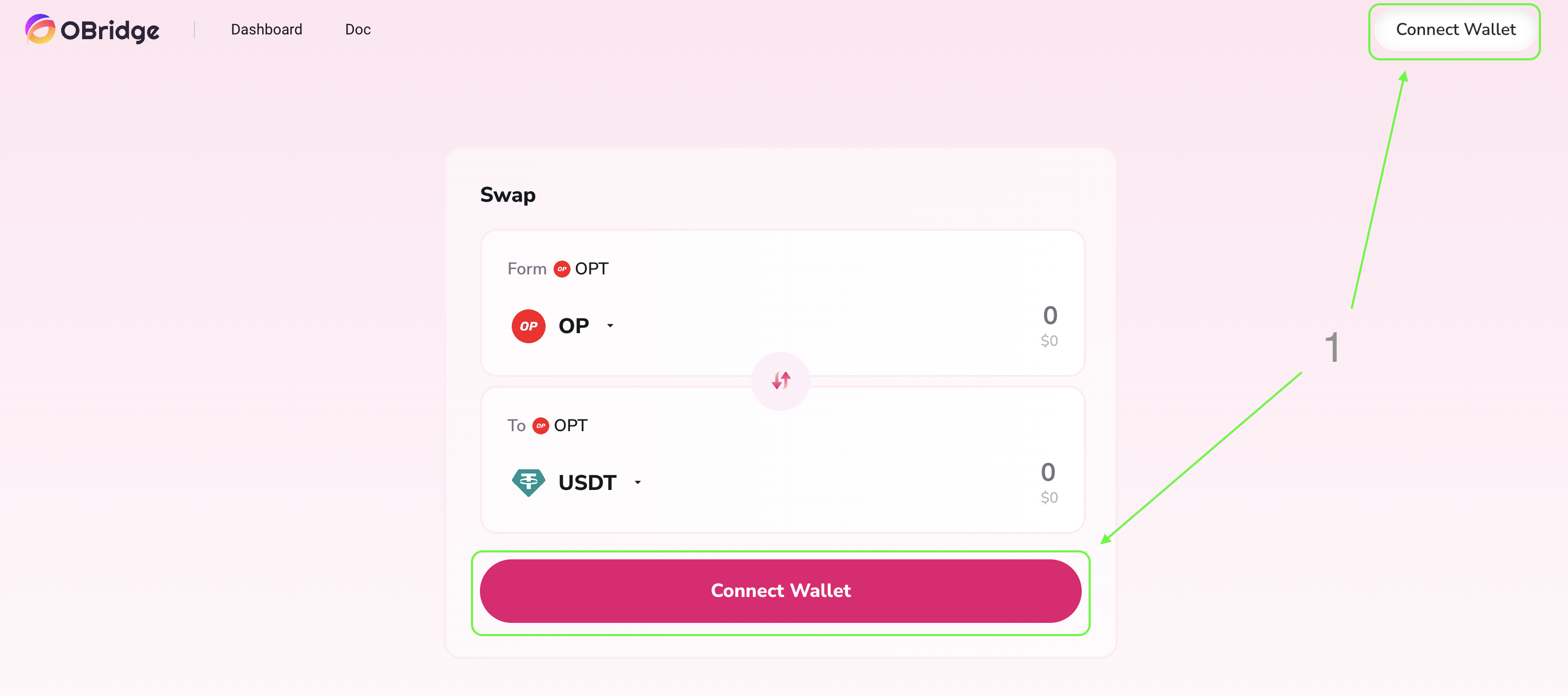
Step 2
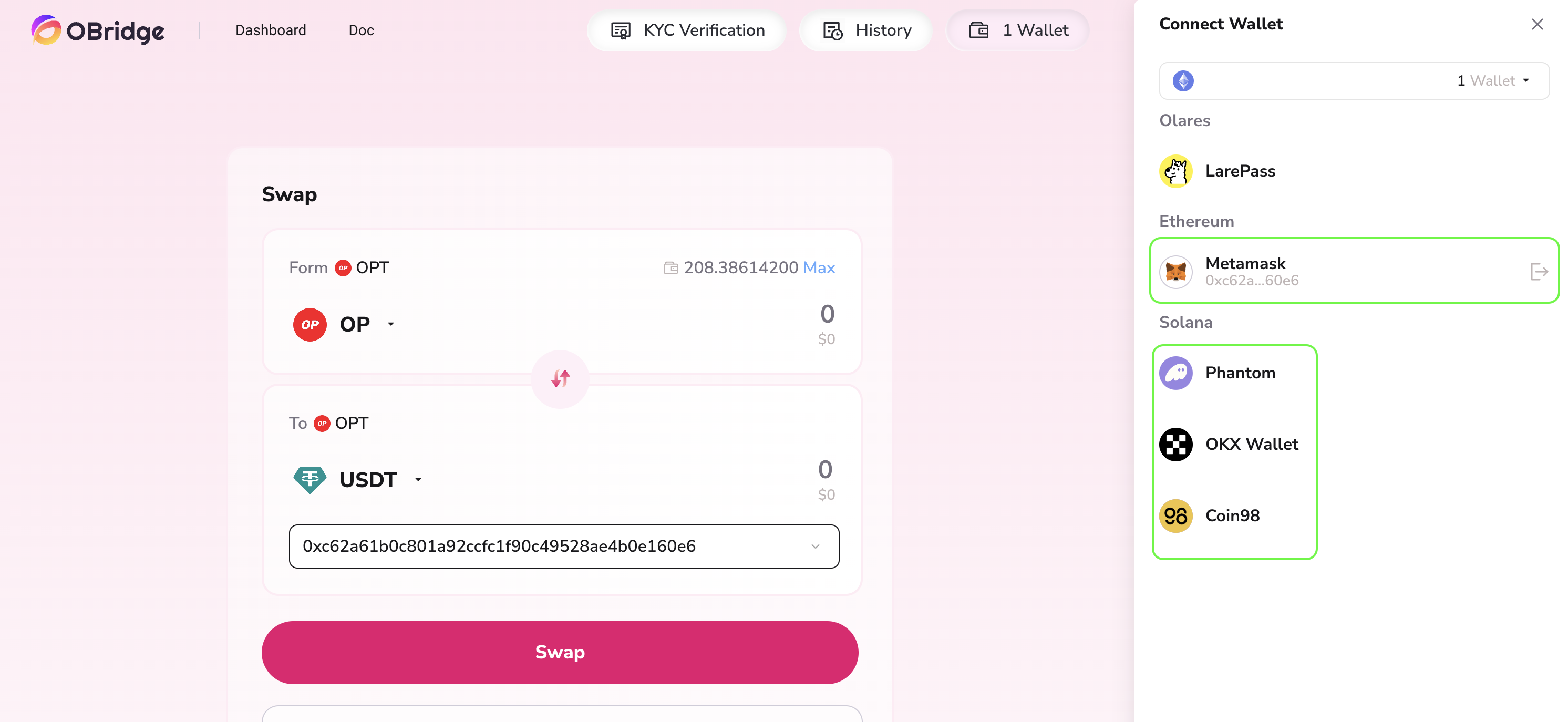
Select the wallet you are using from the sidebar.
Tips
You can only connect one wallet plugin of the same type to the blockchain at a time. If you want to switch to a different wallet, you can click the button on the right side of the connection status to disconnect.