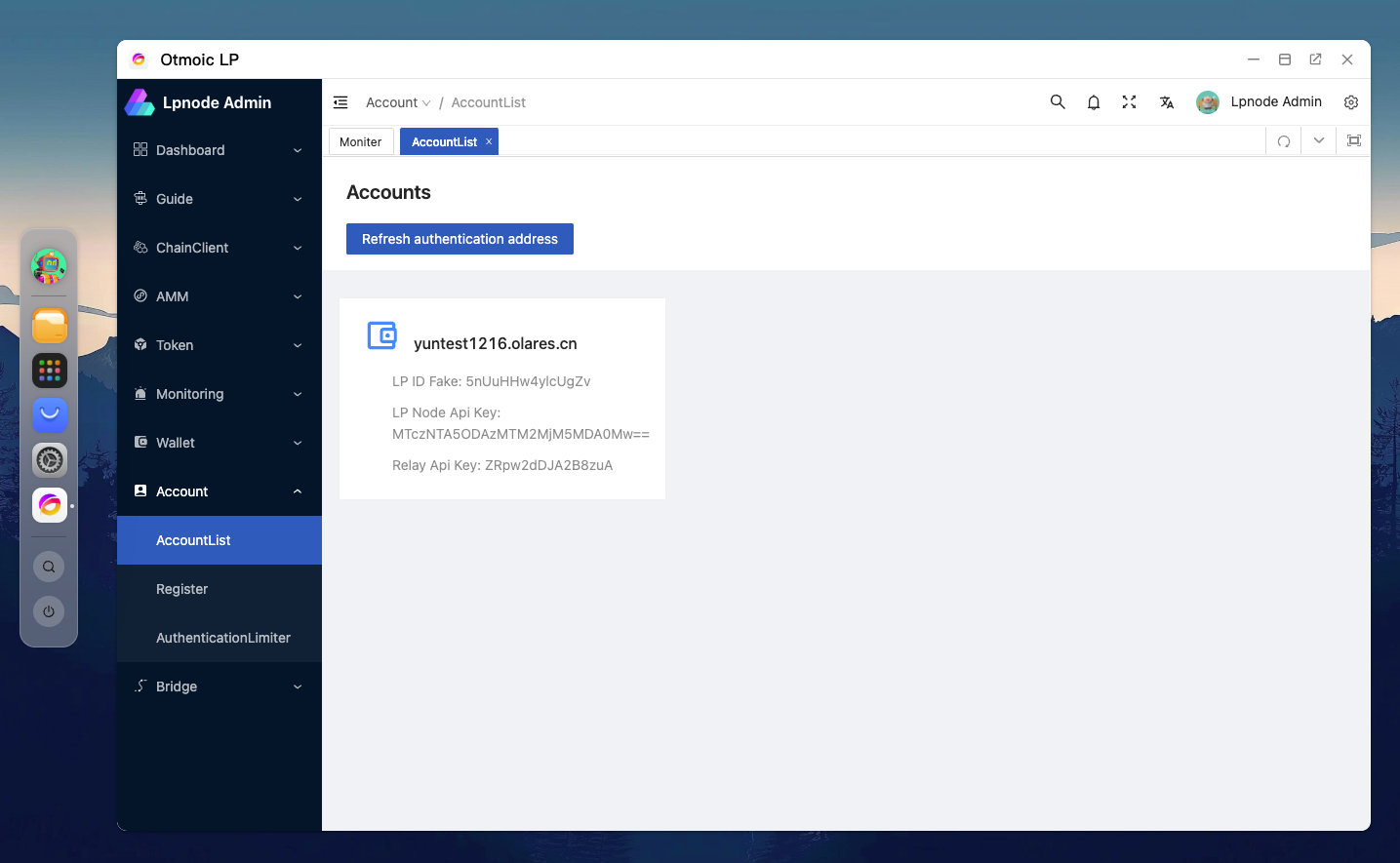
Install Otmoic LP
Installation Steps
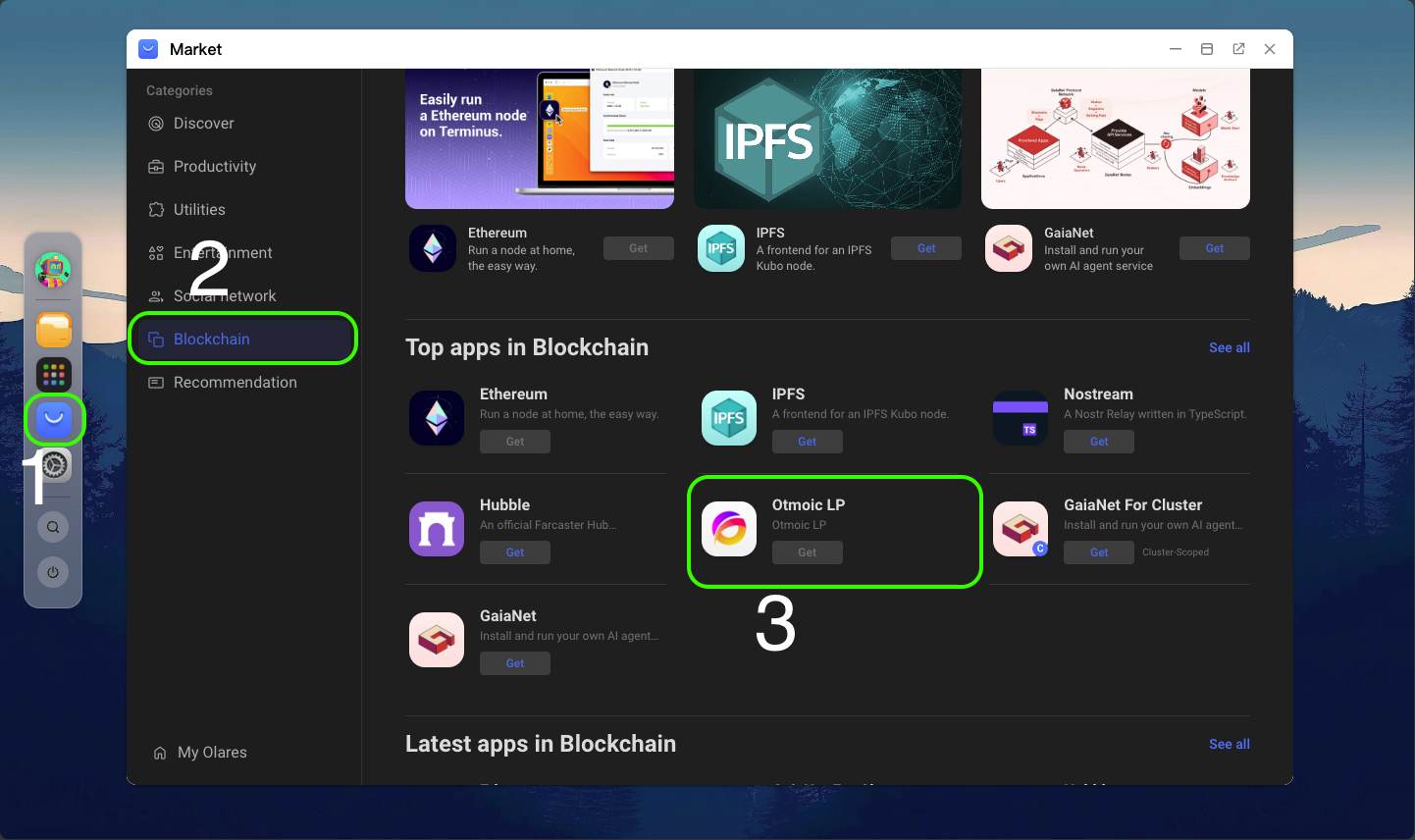
Open the Market.
Select the Blockchain.
Locate Otmoic LP and click to enter.
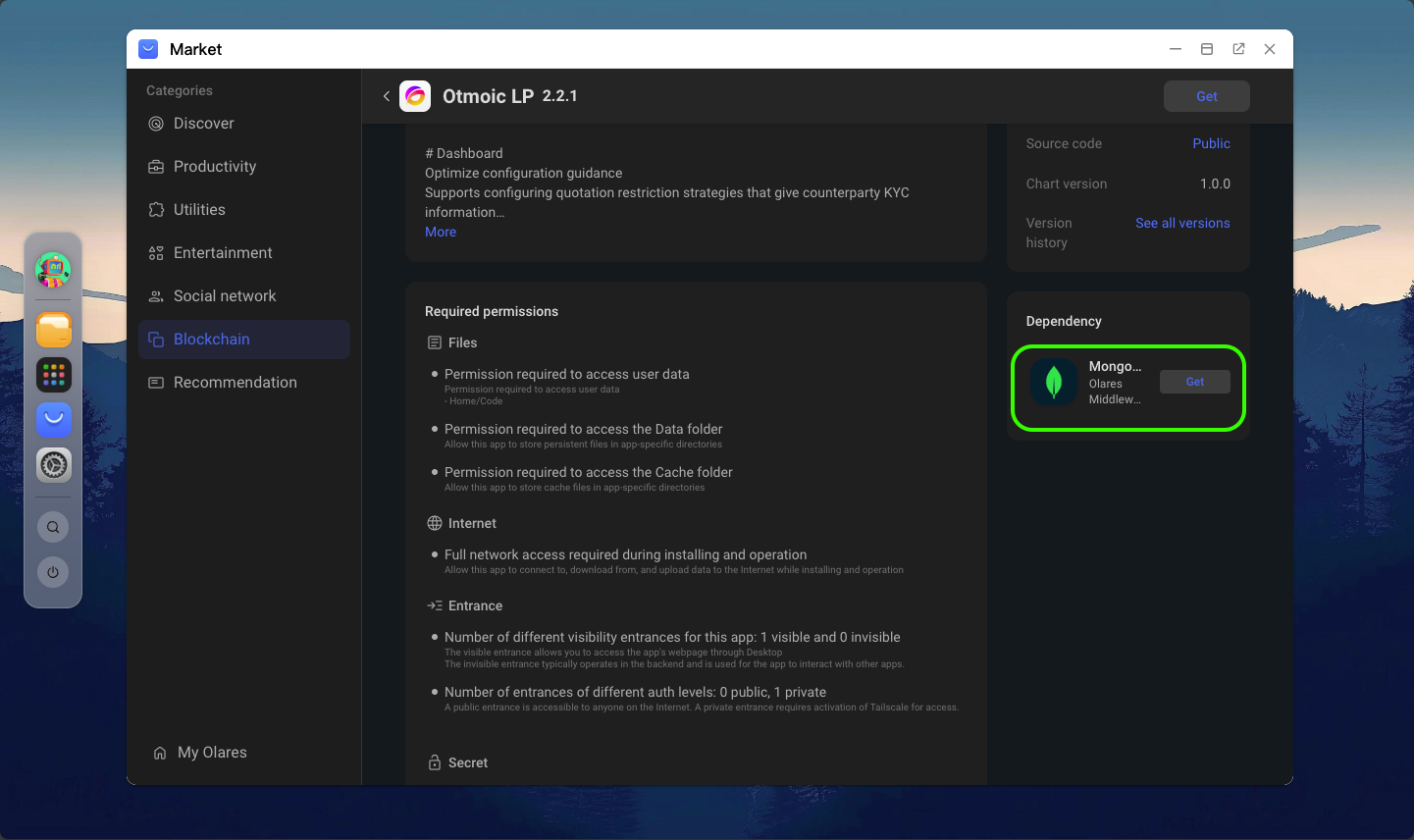
Scroll to the bottom of the page, find the missing component mongodb under Dependencies, and click to install.
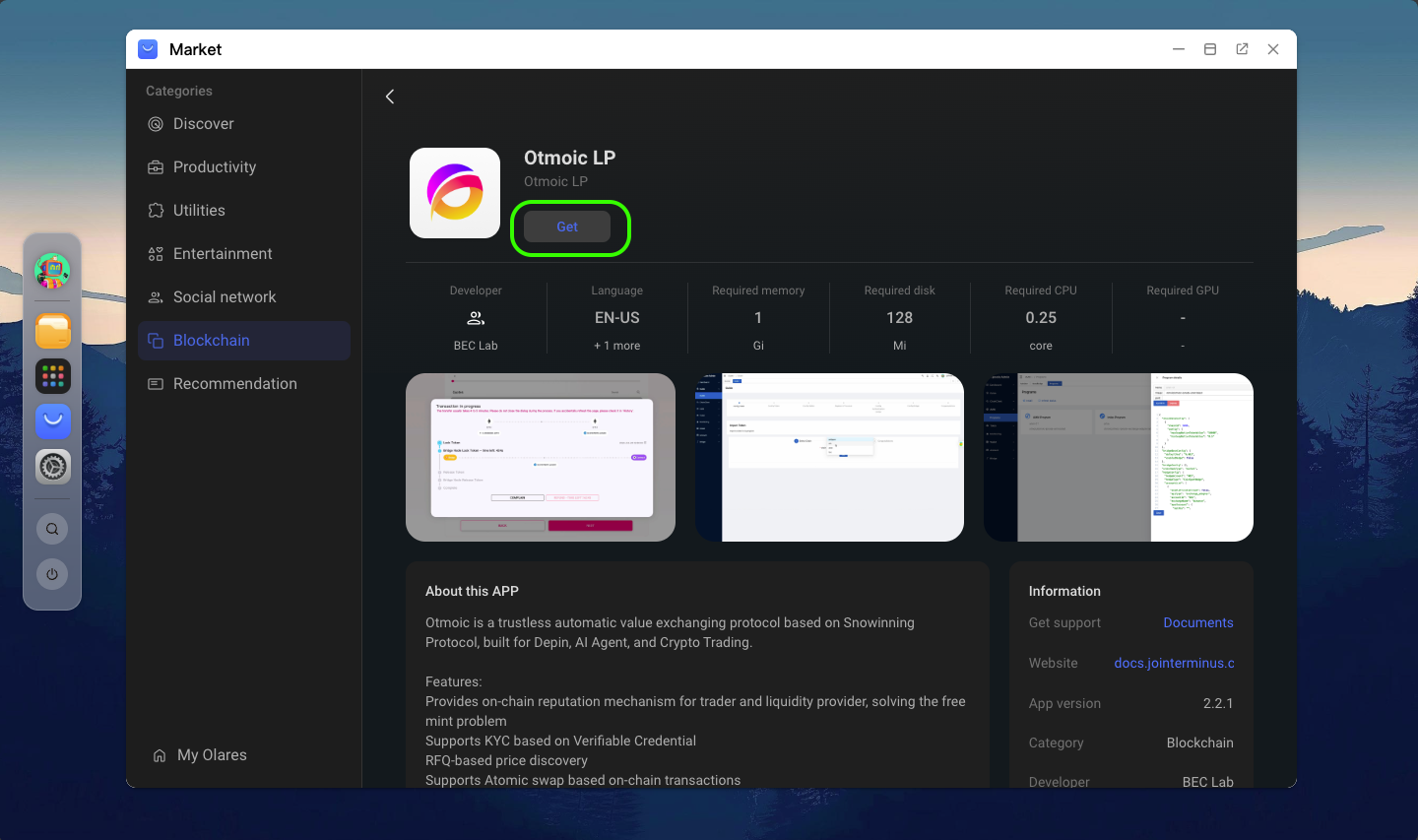
Once mongodb is installed, return to the top of the page and install Otmoic LP.
Registration
Register Otmoic LP with Relay. Open the management page, navigate to Account -> Register, and enter the relay address (https://5b4522f4.nathanielight.myterminus.com) along with a description. Then click Next. 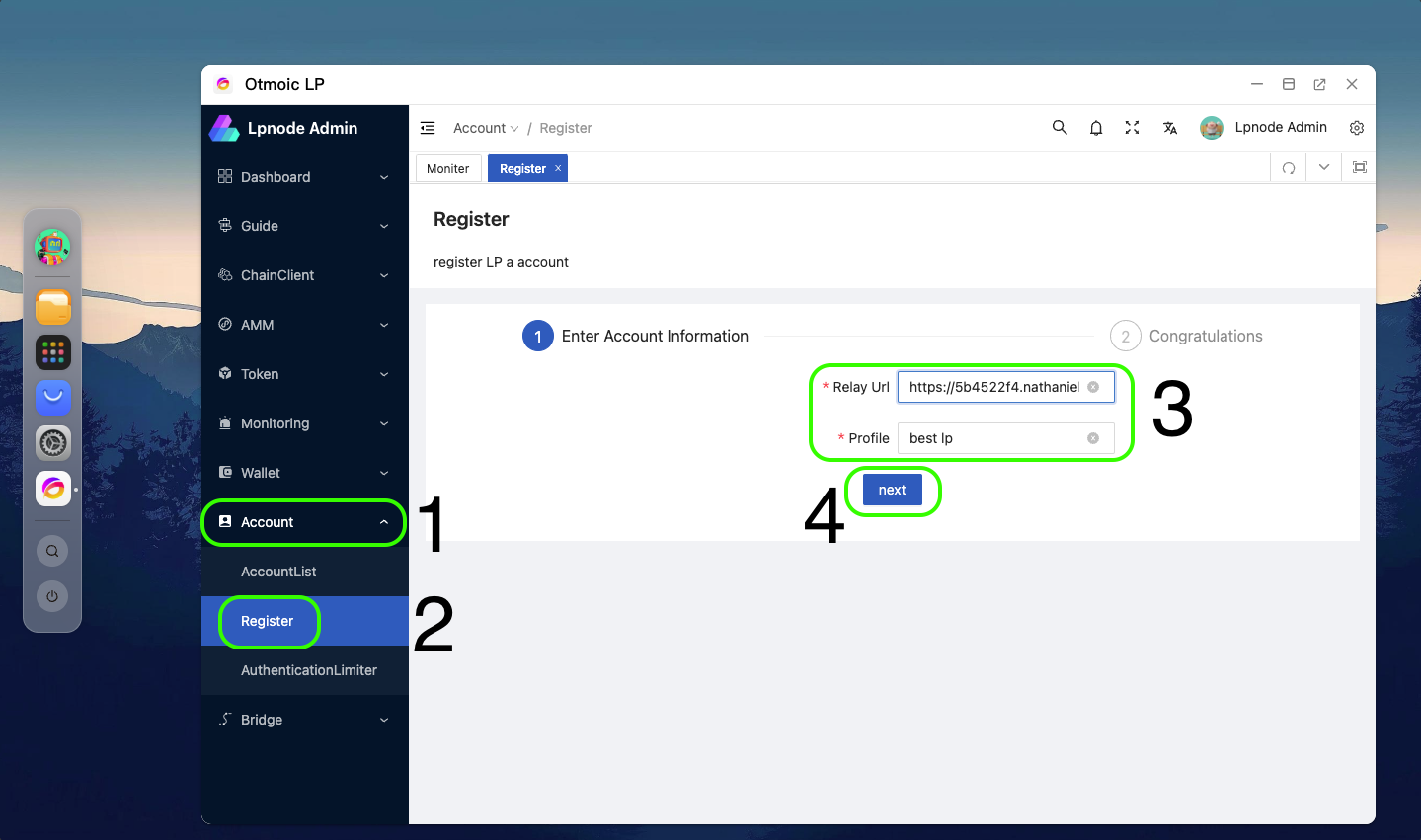
Tips
You can repeat this process multiple times, entering different relay addresses to obtain price inquiry requests from multiple relays.
You can confirm your current registration status on the Account -> AccountList page.